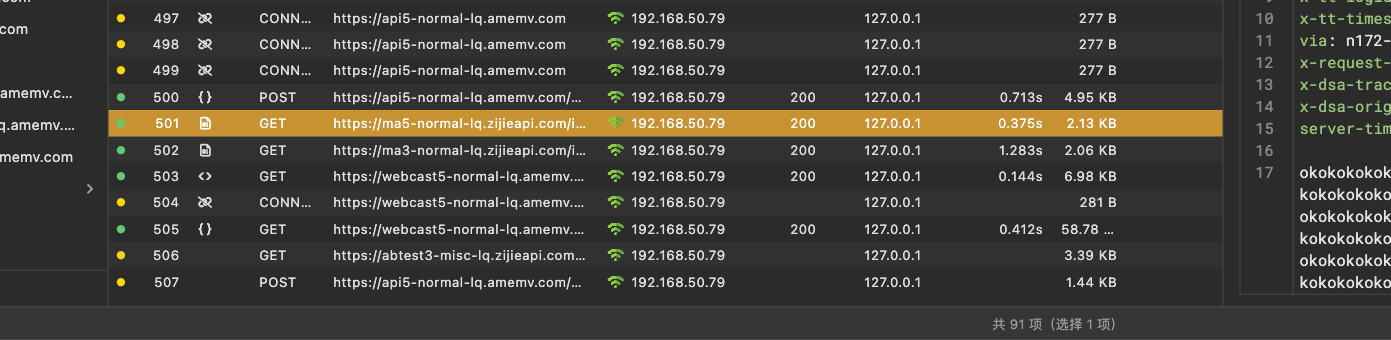
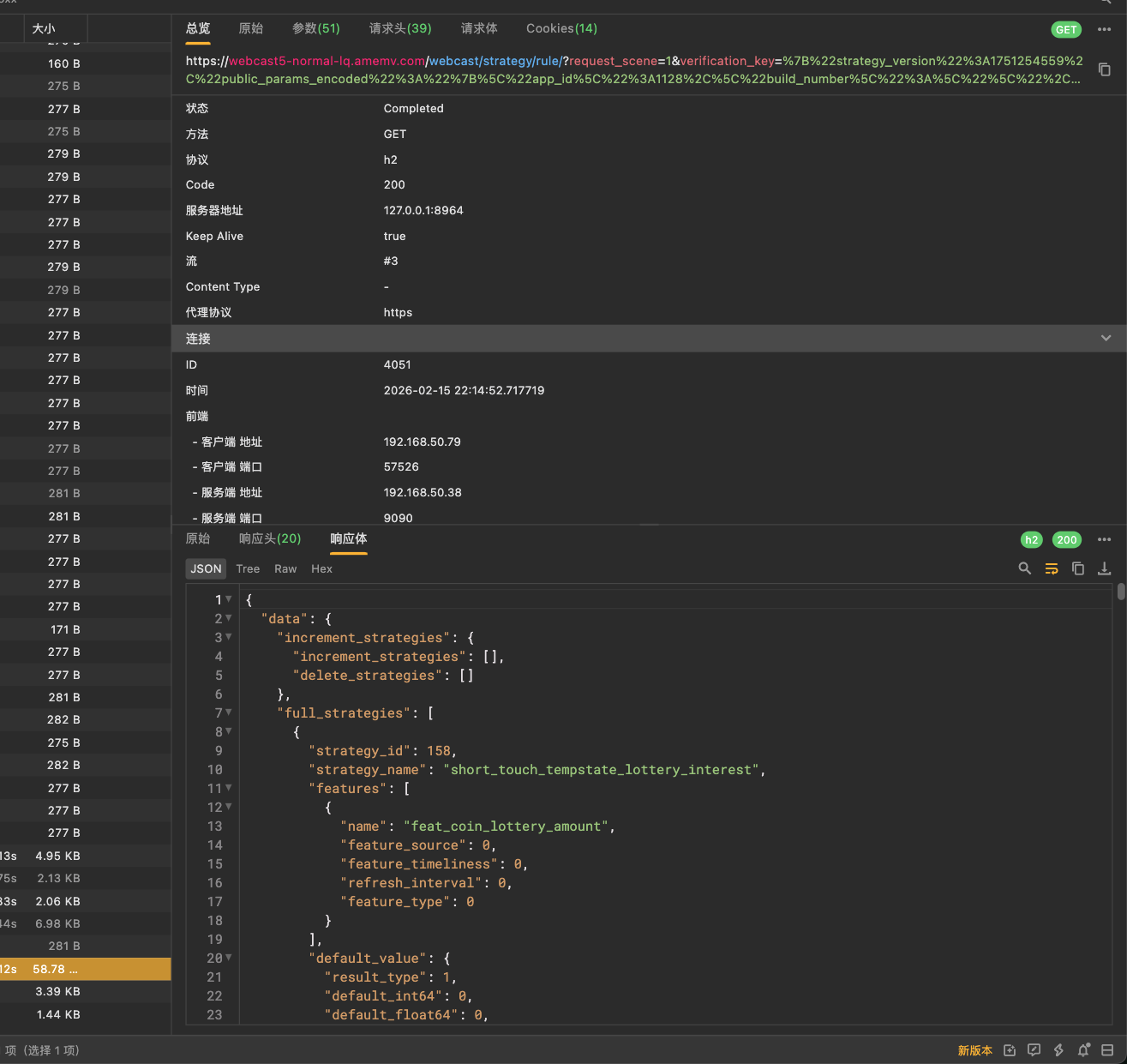
仅作网络安全技术分享,最新版本已经放出来了,做了一定的限制,所以把思路公开,此前这篇文章是加密的,解锁时间为 2026 年 3 月 23 日 22 时 56 分 10 秒
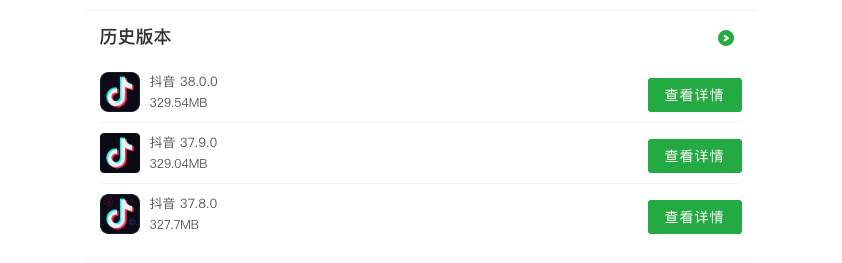
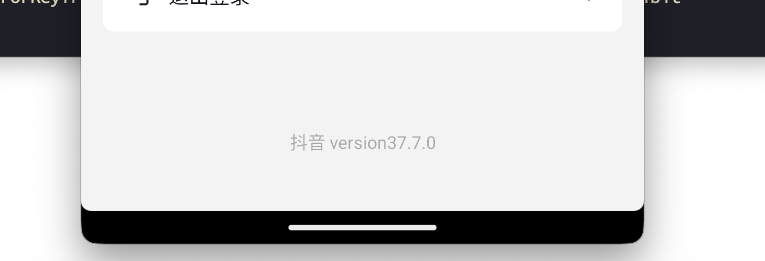
关于frida可以看我之前写的 从 0 到 1 精通 Frida Hook,在抖音的 37.8.0 版本之前,可以通过修改 SSL_CTX_set_custom_verify 来突破 SSL 证书校验,从而去实现抓包,但是抖音最新版本做了限制
在最新的版本,使用抓包工具会直接显示网络错误,然后没有相应请求,并且修改 SSL_CTX_set_custom_verify,能建立抓包连接,但是请求参数呈现乱码状态,无法解析信息,这里解释一下这个原理
在安卓渗透或逆向分析中,当 APP 使用了底层的 openssl 或 boringssl 进行证书校验(即 Native 层 SSL Pinning)时 SSL_CTX_set_custom_verify 是一个非常关键的函数。
1
| void SSL_CTX_set_custom_verify(SSL_CTX *ctx, int mode, int (*callback)(SSL *ssl, uint8_t *out_alert));
|
核心逻辑在于第三个参数:callback 回调函数。如果这个回调函数返回 ssl_verify_ok(通常是 0),则验证通过,使用 Frida Hook 回调函数,我们不需要修改 SSL_CTX_set_custom_verify 本身,而是要拦截这个函数,并篡改它设置的那个 callback 指针,让它指向一个永远返回“验证成功”的伪造函数
1
2
3
4
5
6
7
8
9
10
11
12
13
14
15
16
17
18
19
20
21
22
23
24
25
26
27
28
29
30
31
32
33
34
35
36
37
|
Java.Perform(function() {
var targetSymbol = "SSL_CTX_set_custom_verify";
var addr = Module.findExportByName("libssl.so", targetSymbol);
if (addr == null) {
addr = Module.findExportByName(null, targetSymbol);
}
if (addr) {
console.log("Found " + targetSymbol + " at: " + addr);
Interceptor.attach(addr, {
onEnter: function(args) {
this.originalCallback = args[2];
console.log("[*] 原始 Callback 地址: " + this.originalCallback);
var fakeCallback = new NativeCallback(function (ssl, out_alert) {
console.log("[!] 触发伪造的验证回调,强制返回 0 (PASS)");
return 0;
}, 'int', ['pointer', 'pointer']);
args[2] = fakeCallback;
this.fakeCallback = fakeCallback;
}
})
} else {
console.log("[-] 未找到 " + targetSymbol + ",请确认库名是否正确。");
}
});
|
首先我们要先想办法修改 SSL_CTX_set_custom_verify 来实现抓包通联,抖音的叫做 libsscronet.so ,然后再 sub_3dC3A8 这里看到了相关函数
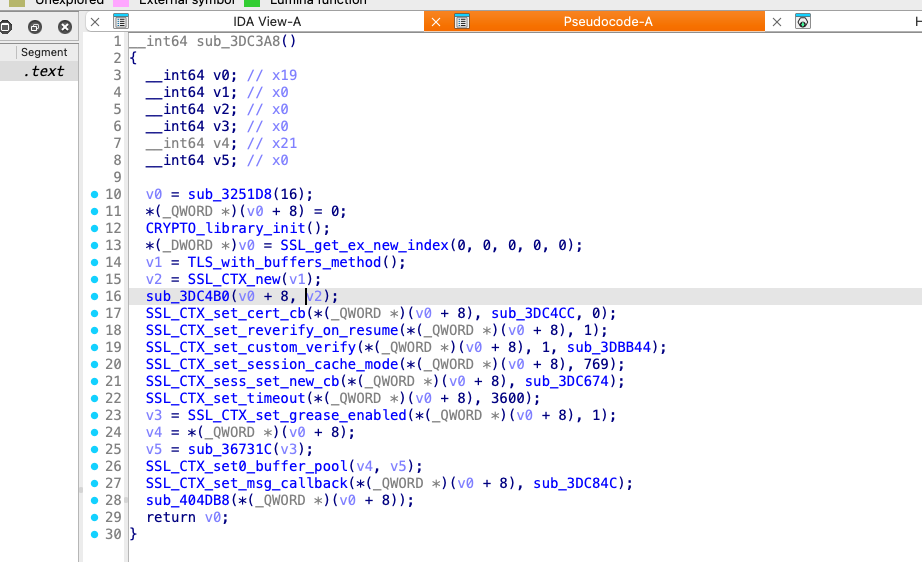
把这个方法修改后,就可以正常通联了,但是抓包工具抓到的请求参数还是乱码,所以接下来只能继续找找,定位一下乱码的根源,然后修改对应的函数,反向跟踪这个函数 sub_49A568,这是用来 zstd 压缩的
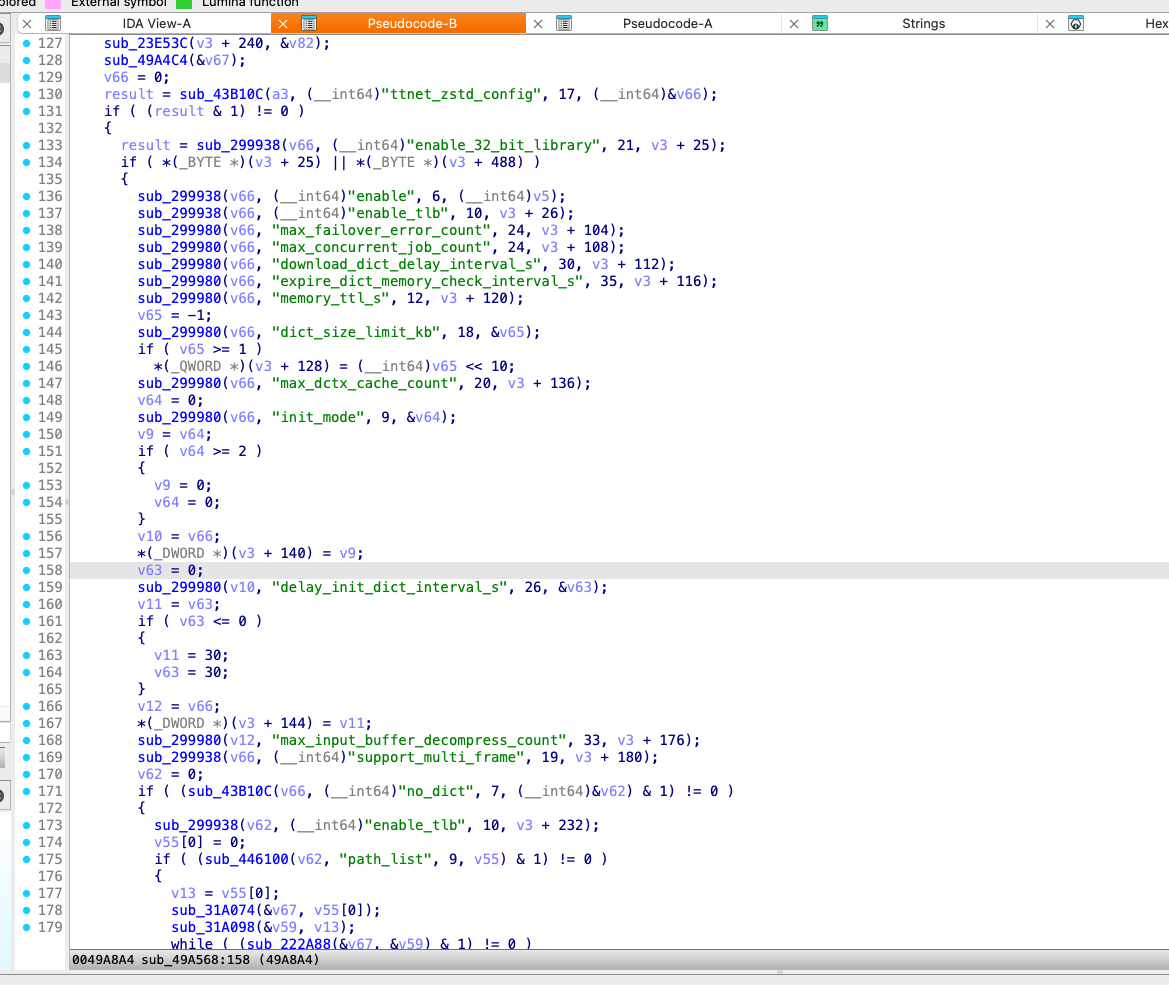
这里我们发现有一个判断 (result &1) != 0,只要这个条件为假,程序就不会进入该分支,所以我们请求的参数就不会被加密和压缩,抓包就能抓到明文的数据,所以开始编写 hook 脚本,版本为高版本 Frida 17,和 16 的相关 API 会有些出入
1
2
3
4
5
6
7
8
9
10
11
12
13
14
15
16
17
18
19
20
21
22
23
24
25
26
27
28
29
30
31
32
33
34
35
36
37
38
39
40
41
42
43
44
45
46
47
48
49
50
51
52
53
54
55
56
57
58
59
60
61
62
63
64
65
66
67
68
69
70
71
72
73
74
75
76
77
78
79
80
81
82
83
84
85
86
87
88
89
90
91
92
93
| function hook_dlopen(soName = '') {
var dlopen_ext = Module.getGlobalExportByName("android_dlopen_ext");
if (!dlopen_ext || dlopen_ext.isNull()) {
console.error("[-] android_dlopen_ext not found");
return;
}
console.log('[+] android_dlopen_ext at: ' + dlopen_ext);
Interceptor.attach(dlopen_ext, {
onEnter: function (args) {
this.is_can_hook = false;
var pathptr = args[0];
if (pathptr && !pathptr.isNull()) {
try {
var path = pathptr.readCString();
if (path && path.indexOf(soName) !== -1) {
console.log('[+] Loading target: ' + path);
this.is_can_hook = true;
}
} catch (e) {}
}
},
onLeave: function (retval) {
if (this.is_can_hook) {
console.log('[+] Target SO loaded, applying patches...');
setTimeout(function() {
fix_plain();
ssl_bypass();
}, 100);
}
}
});
}
function ssl_bypass() {
try {
var module = Process.findModuleByName('libsscronet.so');
if (!module) {
console.error("[-] libsscronet.so not found");
return;
}
let SSL_CTX_set_custom_verify = null;
try {
SSL_CTX_set_custom_verify = module.getExportByName('SSL_CTX_set_custom_verify');
} catch(e) {
SSL_CTX_set_custom_verify = Module.findExportByName('libsscronet.so', 'SSL_CTX_set_custom_verify');
}
console.log('[+] SSL_CTX_set_custom_verify found at: ' + SSL_CTX_set_custom_verify);
if (SSL_CTX_set_custom_verify && !SSL_CTX_set_custom_verify.isNull()) {
Interceptor.attach(SSL_CTX_set_custom_verify, {
onEnter: function (args) {
console.log('[*] SSL_CTX_set_custom_verify called, mode: ' + args[1]);
args[1] = ptr(0);
console.log('[+] Patched mode to 0 (SSL bypass)');
}
});
} else {
console.error("[-] SSL_CTX_set_custom_verify not found");
}
} catch (e) {
console.error("[-] ssl_bypass error: " + e);
}
}
function fix_plain() {
try {
let module = Process.findModuleByName("libsscronet.so");
if (!module) {
console.error("[-] libsscronet.so not found");
return;
}
let moduleBase = module.base;
var targetAddr = moduleBase.add(0x49A73C);
console.log('[+] Patching at: ' + targetAddr);
try {
Memory.patchCode(targetAddr, 4, function (code) {
code.writeByteArray([0x80, 0x3F, 0x08, 0x36]);
});
console.log('[+] Memory patch applied via patchCode');
} catch(e) {
try {
Memory.writeByteArray(targetAddr, [0x80, 0x3F, 0x08, 0x36]);
console.log('[+] Memory patch applied via writeByteArray');
} catch(e2) {
console.error("[-] All patch methods failed: " + e2);
}
}
} catch (e) {
console.error("[-] fix_plain error: " + e);
}
}
setImmediate(function() {
console.log('[*] Starting Frida 17 script...');
hook_dlopen("libsscronet.so");
});
|
运行后,安卓启动
1
| ./frida-server -l 127.0.0.1:1234
|
电脑启动
1
| frida -H 127.0.0.1:1234 -l .\frida_scripts\douyin.js -f com.ss.android.ugc.aweme
|
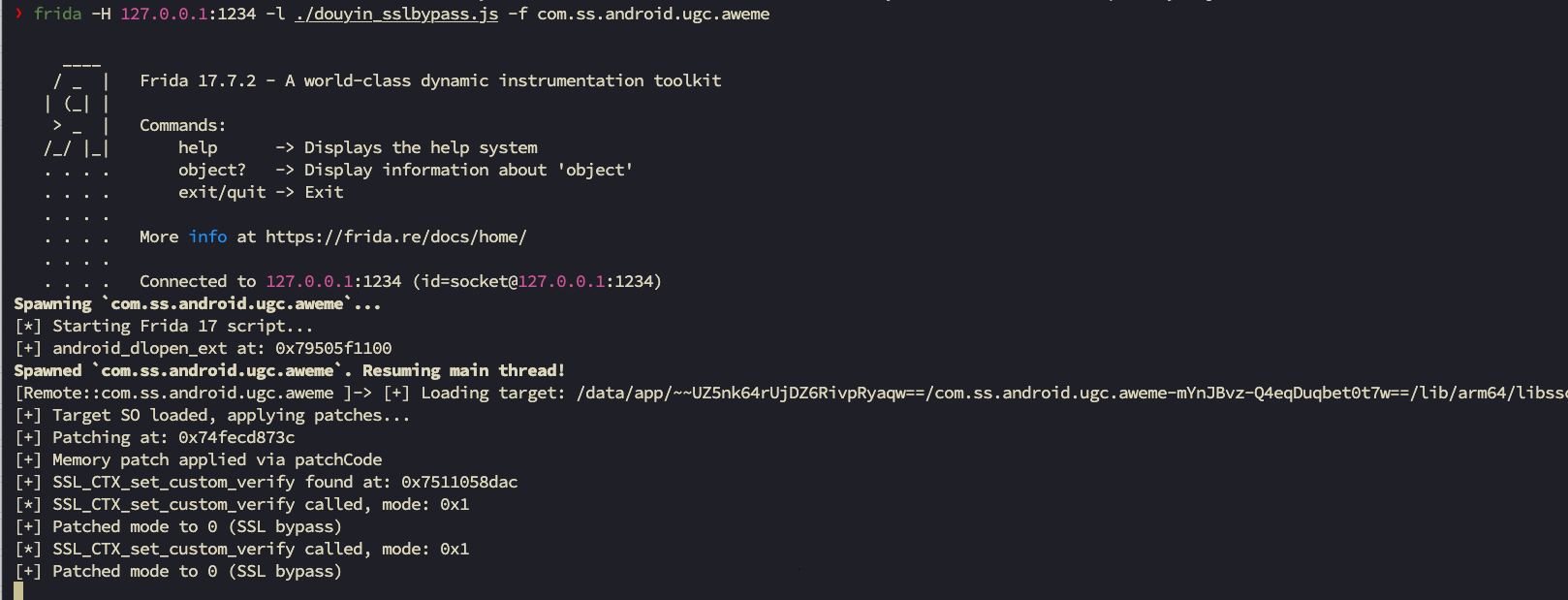
运行之后,抖音打开正常
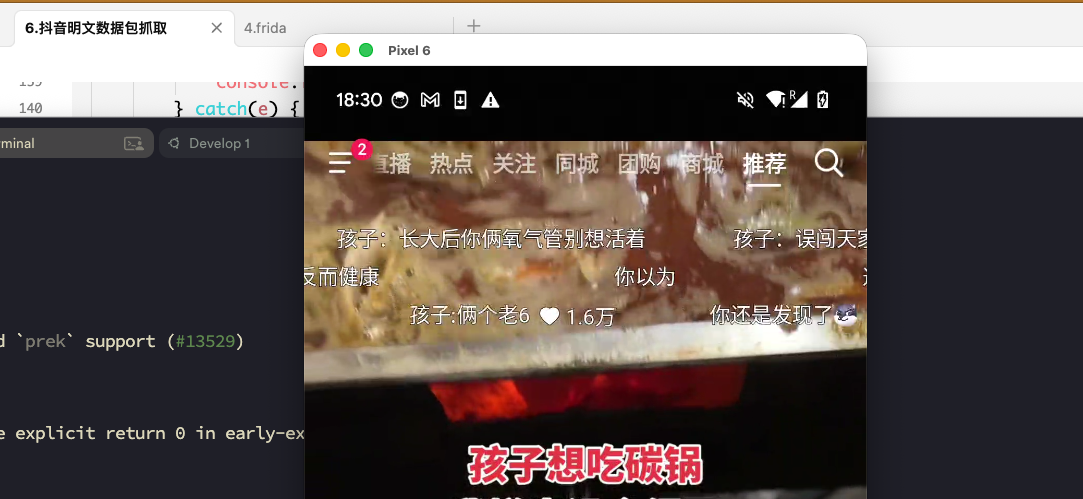
抓包也正常